Bhakti Homes
  • Bhakti Homes
  • Home´s Manual
    • How to Practice
      • Sadhana
      • Kirtan
      • Deity Worship
      • Family Life
      • Youth
      • Children and Parenting
    • How to Share
      • Indirect Ways
        • Yoga & Meditation
        • Cooking Classes
        • Mantra Power
        • Ceremonies
      • Direct Ways
        • Sharing Krishna at Home
          • Sanga at Home
          • Sastra Groups
          • 3 hs Kirtan
          • Bhakti Vriksha
          • Guideline Videos for «home programs»
        • Going Out to Share
  • en Español
  • Social Network
  • Preguntas Frecuentes
  • Contact
Select Page

FIVE BASIC TRUTHS

“The subject of the Bhagavad-gītā entails the comprehension of five basic truths.


First of all, the science of God is explained, and then the constitutional position of the living entities, the jīvas.


There is īśvara, which means the controller, and there are jīvas, the living entities which are controlled. If a living entity says that he is not controlled but that he is free, then he is insane. The living being is controlled in every respect, at least in his conditioned life. So, in the Bhagavad-gītā the subject matter deals with the īśvara, the supreme controller, and the jīvas, the controlled living entities


Prakṛti (material nature) and time (the duration of existence of the whole universe or the manifestation of material nature) and karma (activity) are also discussed. The cosmic manifestation is full of different activities. All living entities are engaged in different activities.


From Bhagavad-gītā we must learn what God is, what the living entities are, what prakṛti is, what the cosmic manifestation is, how it is controlled by time, and what the activities of the living entities are.” – Bhagavad Gita as it is, Introduction
468
How to Translate this website to your language?

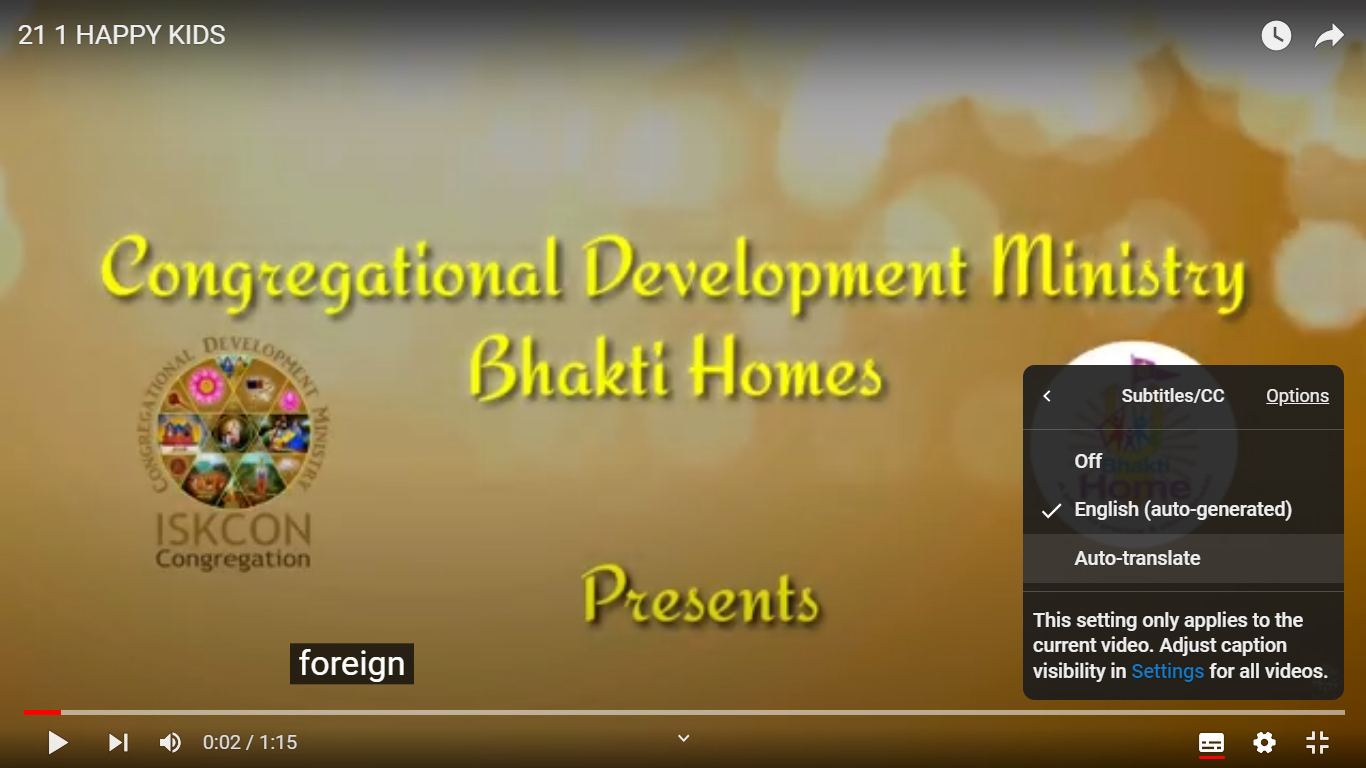
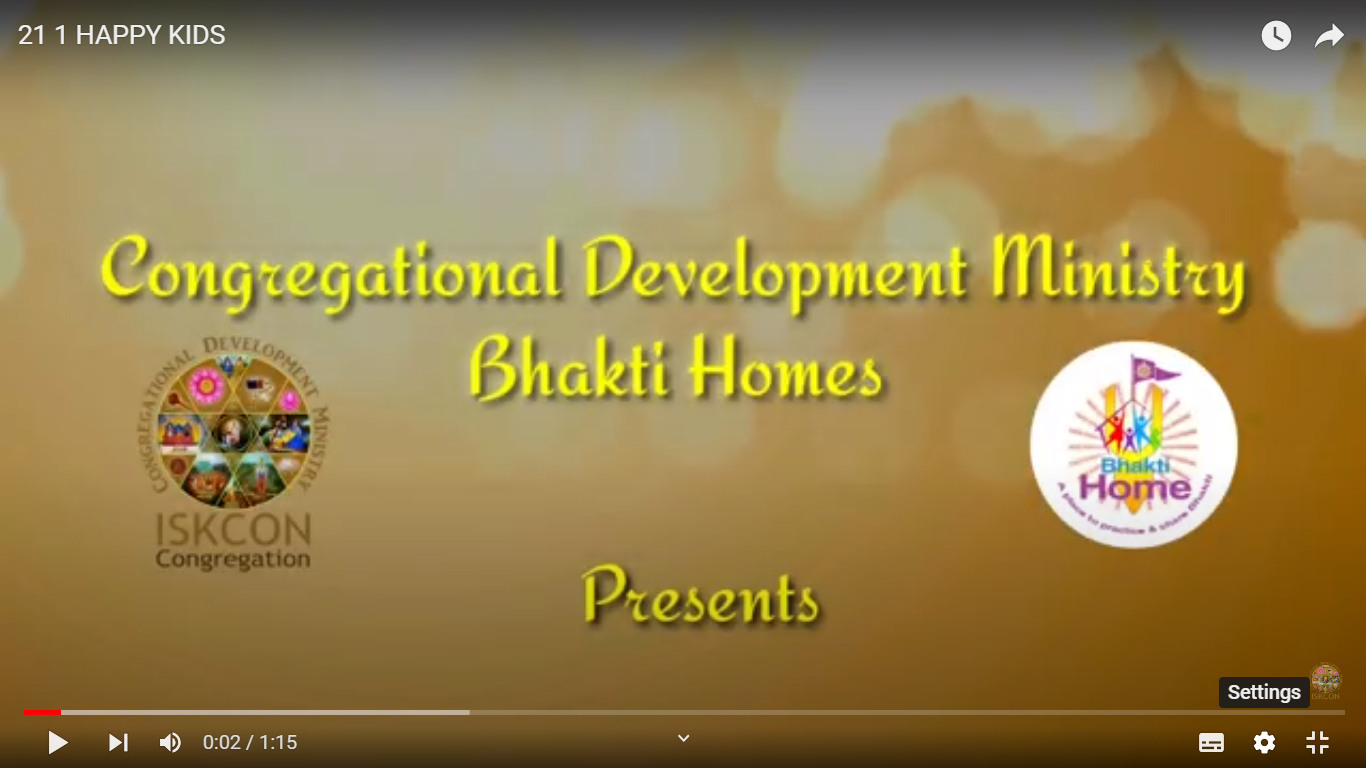
how to translate Youtube videos ON COMPUTER

Step 1

Press the “Settings Wheel” at the bottom right on the video.

Step 2

Select the “Captions (CC)” (or “Subtitles”) option

Step 3

If the option is available, choose “Auto- Translate” and go to Step 7. If not, select “English (Auto Generated)” and keep reading

Step 4

Press the “Settings Wheel” again at the bottom right of the video.

Step 5

Select the “Captions CC” option again

Step 6

Choose “Auto-Translate“

Step 7

Choose Your Language